Unarchiving restores an order that was previously archived and returns it to the active list. This action is used when an archived order needs to be visible again in the Ongoing section of the Orders Overview screen.
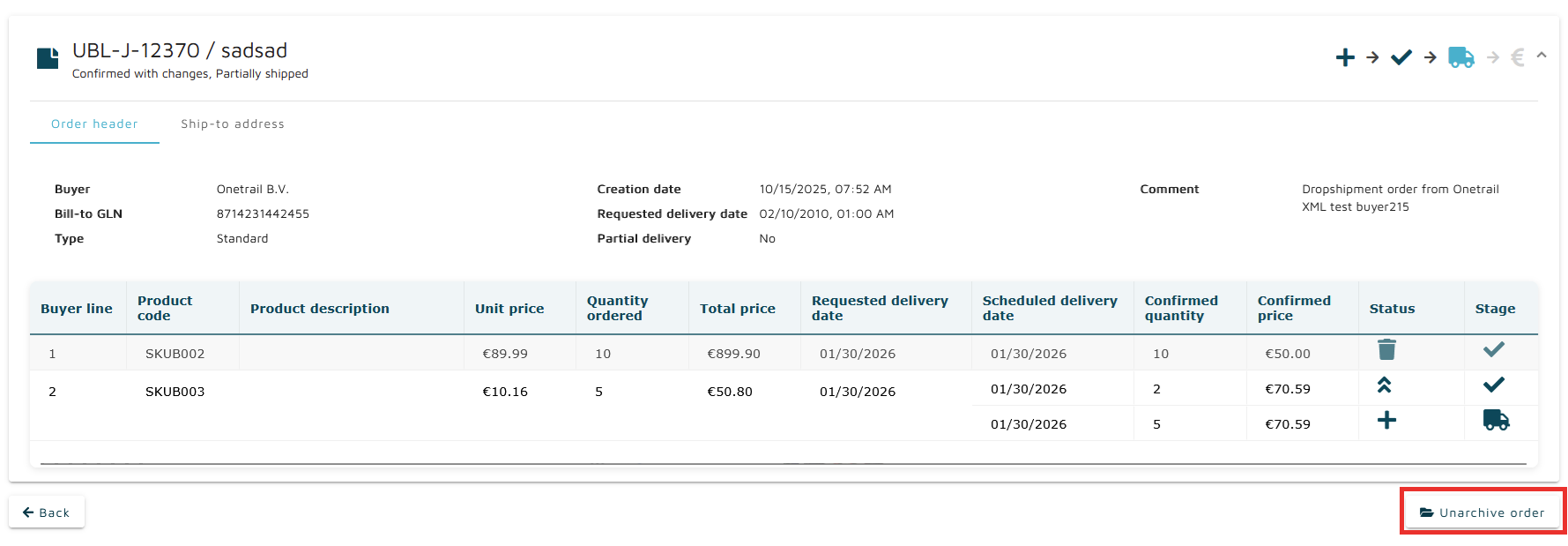
The primary method is through the Order Details screen. Selecting Unarchive order returns that specific order to the Ongoing section.
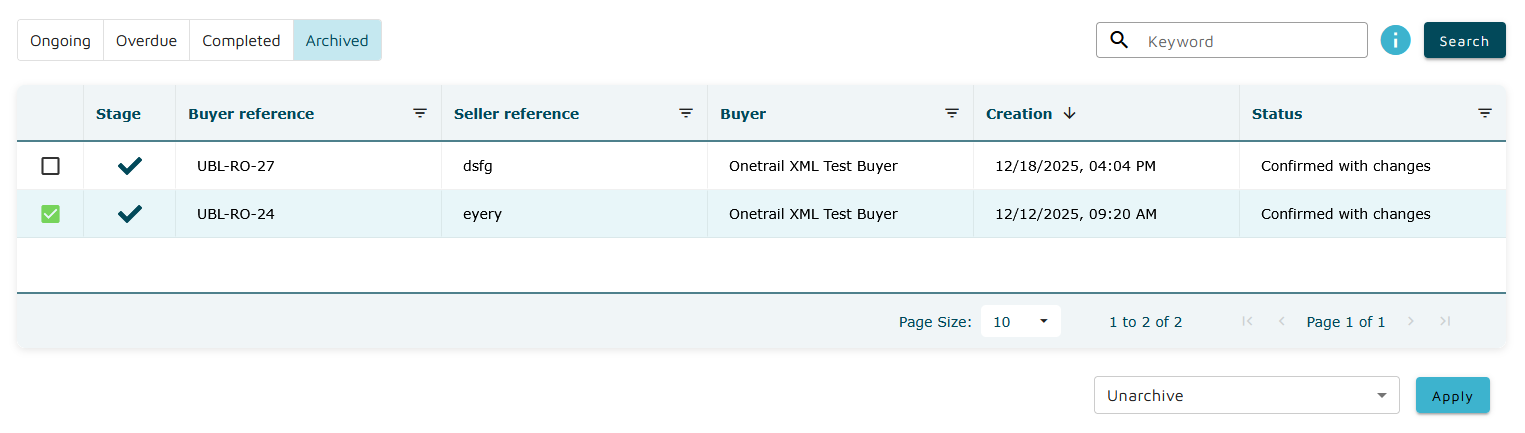
Unarchiving is also available in bulk. In the Archived tab of the Orders Overview screen, the Bulk actions dropdown includes an Unarchive option. Running this action processes all selected orders from the table and moves each successfully unarchived order back to the Ongoing section.
When the bulk action finishes, a modal summarises the result, indicating how many orders were successfully restored and whether any orders could not be unarchived.
Order Details screen: