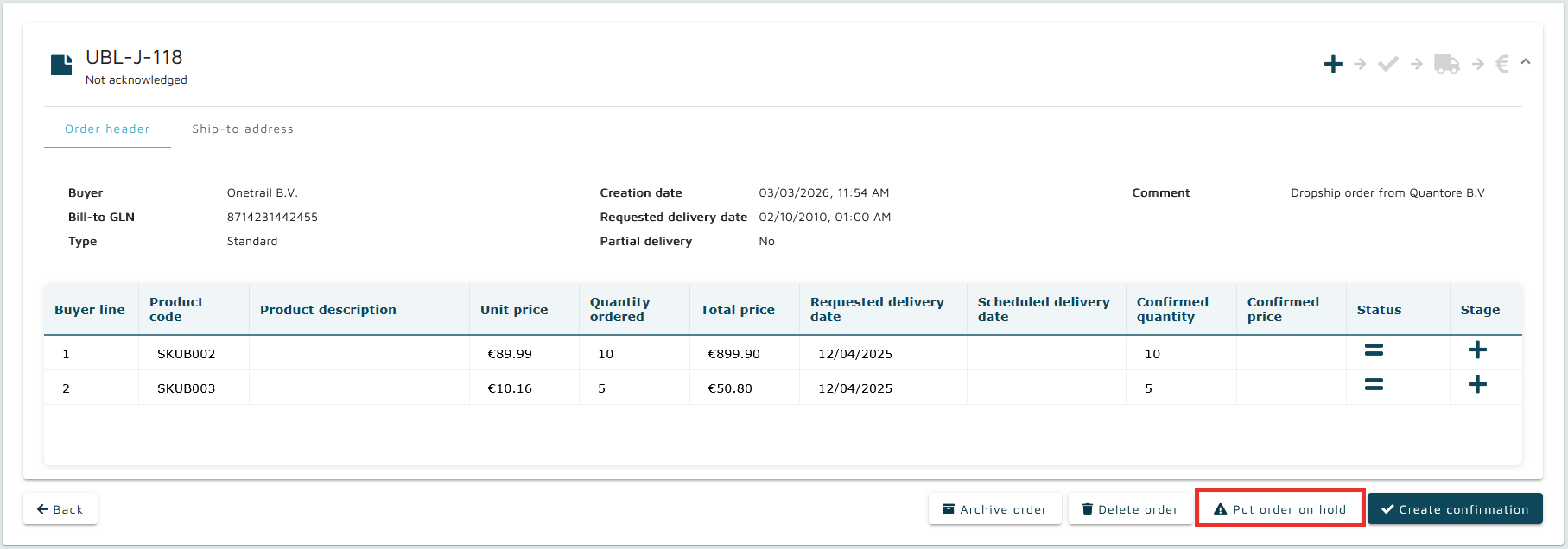
Placing an order on hold suspends it from the normal processing flow and assigns it the On-hold status. This function is used when an order requires temporary interruption before further action is taken.
Initiating the on-hold action opens a dedicated dialog. Within this modal, a reason must be provided before the order can be placed on hold.
This action is allowed only fro or orders in Not acknowledged status. The seller reference must be supplied within the same modal, as it is required to place the order on hold.
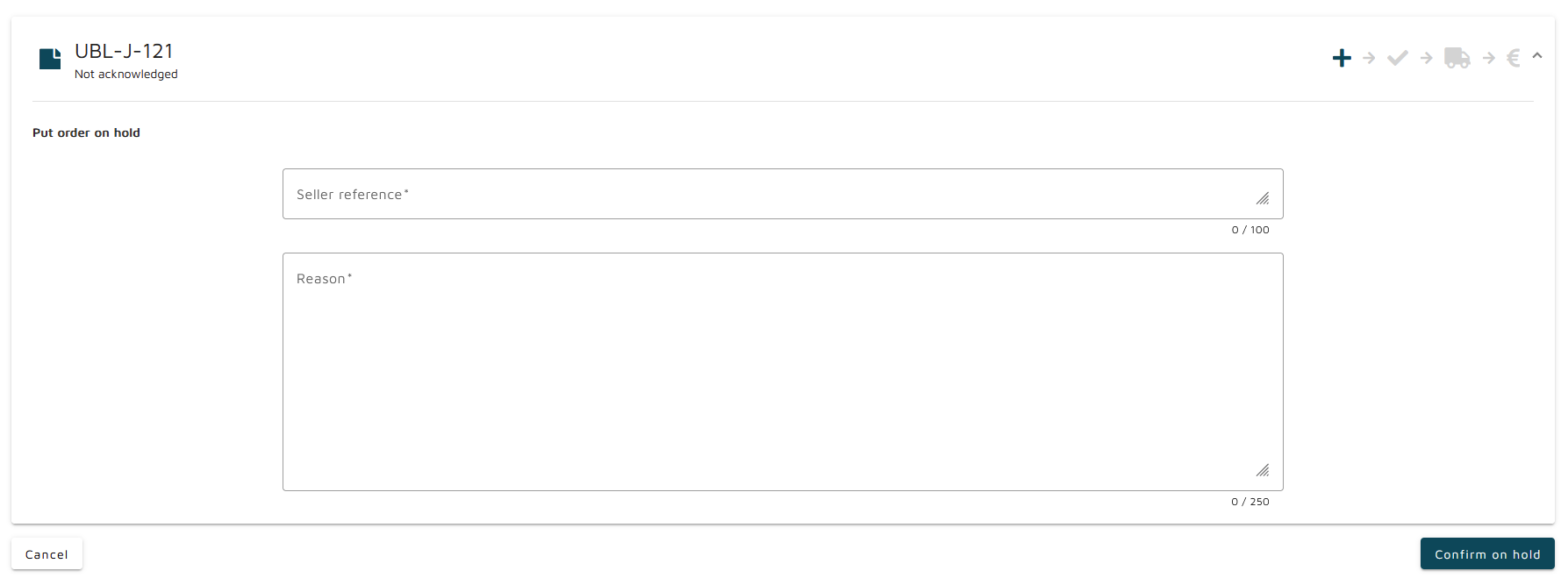
Once an order is on hold, all standard actions become unavailable. The order can only be released or archived.
Orders that have already reached the Confirmed, Invoiced or Shipped status cannot be put on hold. Because these statuses indicate that fulfilment has progressed beyond the point where changes or interruptions are permitted, such orders cannot be placed on hold.
Status behaviour when applying On-hold action
The on-hold action preserves the structural stage of the order and its line items while applying the on-hold designation:
Original order status: Not acknowledged
Line items: Stage: New, Status: Unchanged
Result:
Order becomes On-hold, Not acknowledged
Line items remain Stage: New
Line item status becomes On-hold