By clicking the Delete order button in the Order Details view, the order deletion process can be initiated.
First, the Order Deletion view is displayed as shown below:
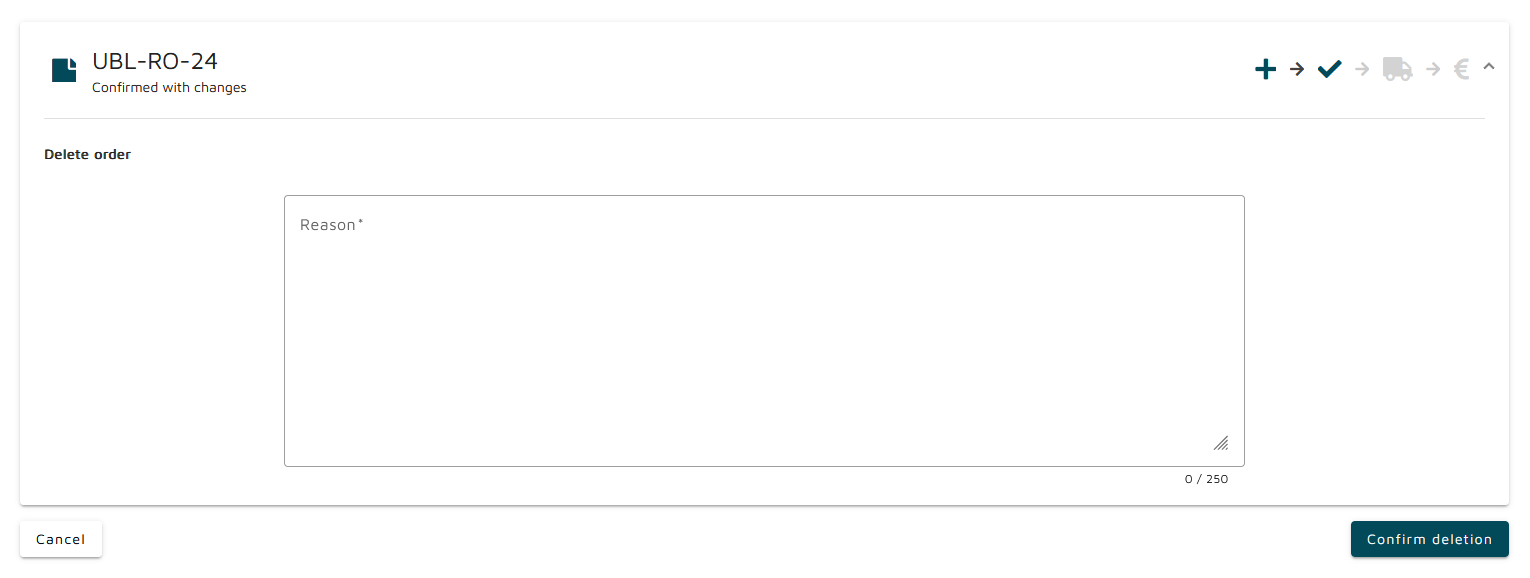
To complete the order deletion, a reason for deletion must be provided, followed by clicking the Confirm Deletion button. After a successful deletion, the Orders Overview is displayed.
The deletion can be cancelled by clicking the Cancel button.