The split line operation allows a single order line to be divided into multiple lines for more accurate handling of quantities or delivery details.
Executing this action opens a dedicated screen where the confirmed quantity is allocated between the original line and the newly created line.
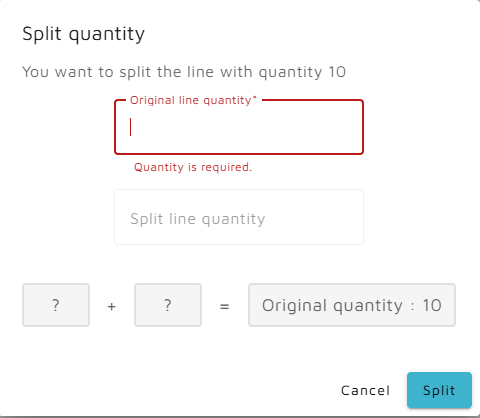
When a line is split, an additional line is generated.
The new line receives Stage: New and Status: Added.
The original line reflects the modification with Status: Changed.
This operation supports scenarios where quantities need to be distributed across multiple deliveries, packaging units, or processing steps.